Now available · Version 1.0

A classic player for Apple Music

Your music library, back in your hands.

Spin the click wheel. Feel every move. Flip through Cover Flow and rediscover the music you already love — with the focus and ceremony of a classic player.

  • Free
  • Made for iPhone
  • Requires iOS 17+
MusicPod App Store preview 1

Old-school feel. Modern library.

More than a skin. A new way to listen.

MusicPod brings tactile navigation and album-first browsing to the Apple Music library already on your iPhone.

01

A wheel you can feel

Spin to browse, tap the center to select, and use familiar playback controls. Precise haptics make every move feel intentional.

02

Cover Flow, brought forward

Move through albums visually, open a record, and start listening without getting lost in an endless text list.

03

Immersive now playing

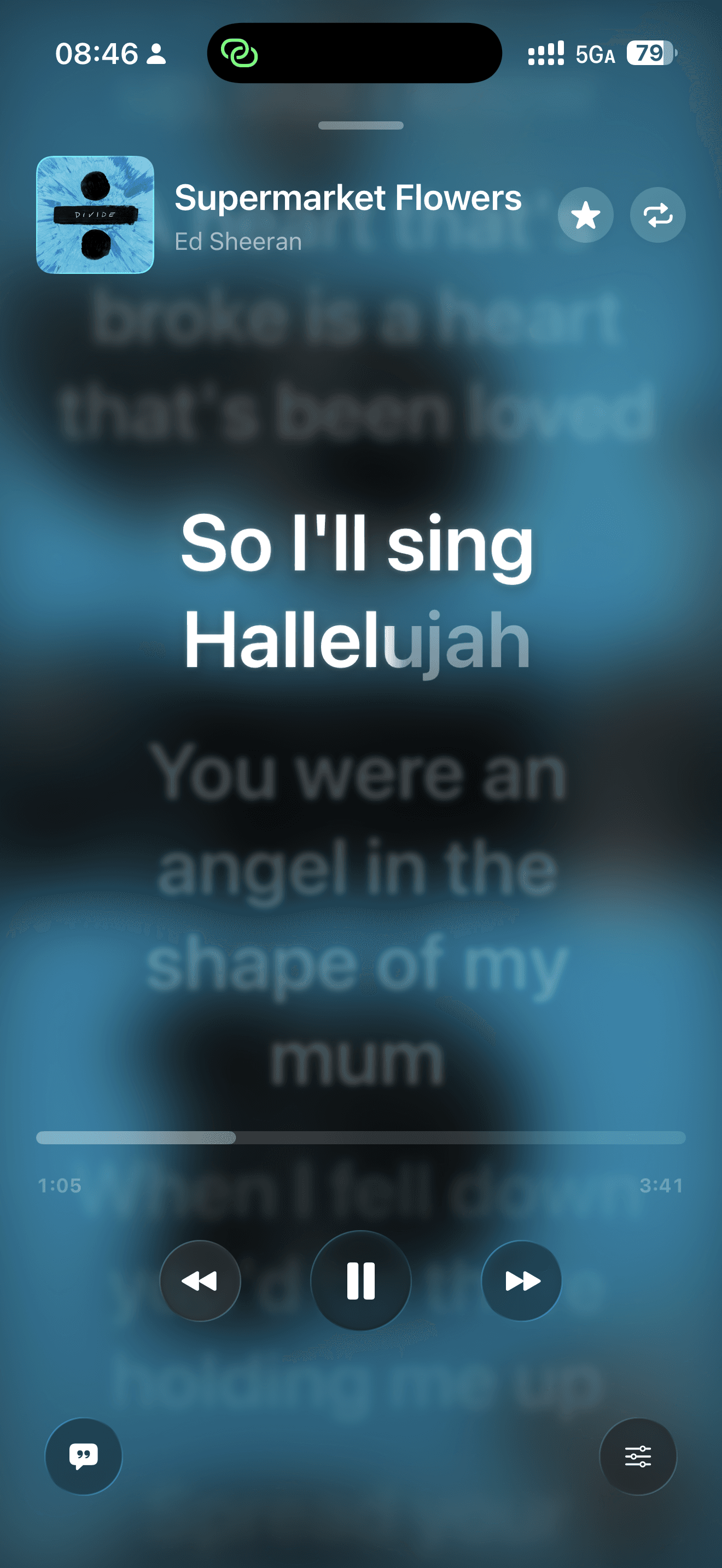
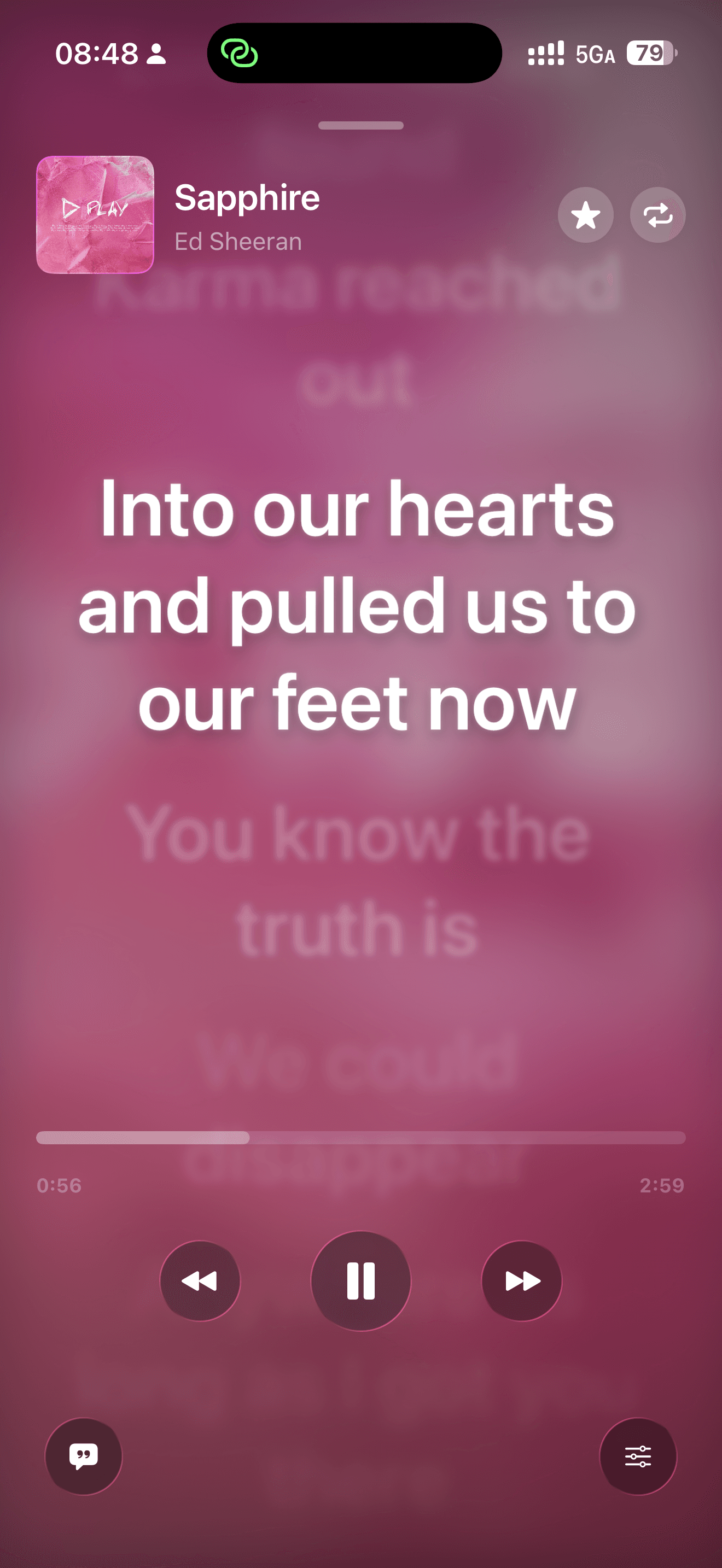
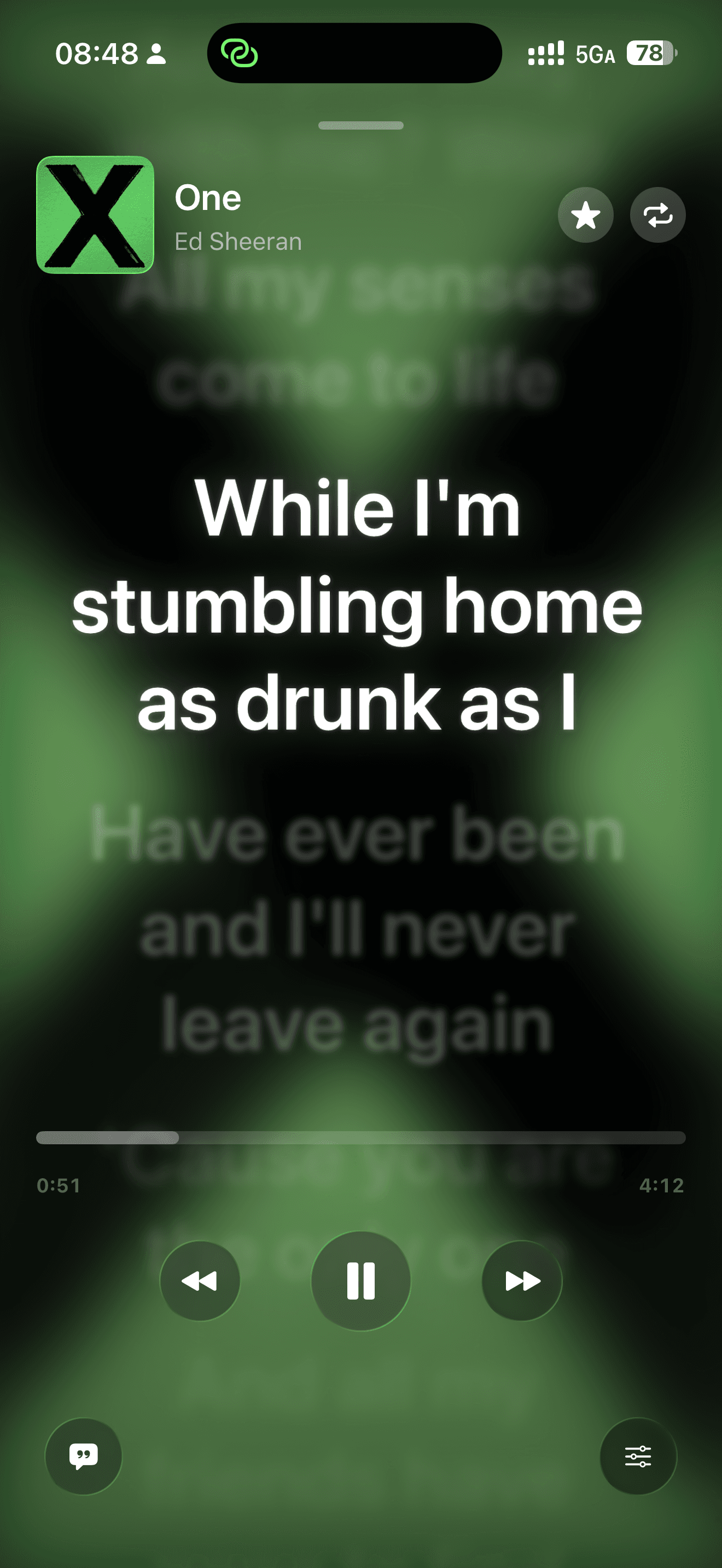
Vinyl motion, artwork-driven color, dynamic backgrounds, and clear playback details put the album back at center stage.

04

Your library, ready to play

Browse playlists, favorites, albums, artists, and every saved song — or shuffle everything with one action.

See it in motion

Designed around the album, not the algorithm.

Every screen is built to make choosing and playing music feel direct, visual, and satisfying again.

MusicPod App Store preview 1
MusicPod App Store preview 2
MusicPod App Store preview 3
MusicPod App Store preview 4
MusicPod App Store preview 5
MusicPod App Store preview 6

Three simple moves

Connect. Spin. Play.

No new catalog to manage. MusicPod works with the music already in your Apple Music library.

  1. 1

    Connect your library

    Grant MusicPod access to your music library and your saved collection is ready to browse.

  2. 2

    Spin through your music

    Browse playlists, favorites, albums, artists, or all songs with the click wheel.

  3. 3

    Press play and stay present

    Enjoy immersive artwork, background audio, and lock-screen controls while the music keeps going.

Make it unmistakably yours

One player. Thousands of moods.

Tune the player from shell to screen. Choose bold colors, soften the background, or put one of your own photos behind the music.

  • Body, wheel, and center-button colors
  • Light and dark display modes
  • Gradient themes and custom photo backgrounds
  • Direction, intensity, blur, and saturation controls
MusicPod App Store preview 5
MusicPod App Store preview 6

Good to know

A few things before you press play.

What is MusicPod?

MusicPod is a retro music player for iPhone. It combines a classic click-wheel interface, haptic feedback, Cover Flow, and immersive playback with your Apple Music library.

Is MusicPod free?

Yes. MusicPod version 1.0 is currently available as a free download on the App Store.

Do I need an Apple Music subscription?

A valid Apple Music subscription is required to play cloud content. What you can play depends on your library and Apple Music account status.

Does MusicPod provide or download music?

No. MusicPod presents and plays music already available in your library. It does not provide standalone music content or a music-download service.

Which devices are supported?

MusicPod is designed for iPhone and requires iOS 17.0 or later.

Music deserves your attention

Turn the wheel. Find an album. Stay for the whole song.

MusicPod is free to download today on the App Store.

Download on the App StoreiPhone · iOS 17 or later · Apple Music cloud playback requires an active subscription